Setup & Learning Curve
Xero
Xero supports flexible workflows and accountant collaboration. That flexibility can suit businesses with a finance owner or preferred accounting firm, while self-service implementation still requires accounting knowledge.
QuickBooks
QuickBooks offers a relatively accessible self-service experience for invoicing, expenses, and receipts. Some user feedback reports that navigation and menu structure can require a learning period.
Core Workflows
Both platforms provide bank imports, transaction categorisation, reconciliation, invoicing, expense tracking, and financial reporting. Xero leans toward flexible accounting processes, bank reconciliation, and integrations. QuickBooks leans toward everyday business management through invoicing, recurring invoices, receipt capture, inventory, projects, and time tracking. For a simpler route from document capture to reviewed records, AI bookkeeping software can be considered alongside either platform.
Automation & Reliability
Xero automates bank feeds, reconciliation, invoice and bill workflows, and connected applications. QuickBooks automates bank and credit-card imports, expense categorisation, receipt capture, rules-based processing, and AI-assisted anomaly detection. Neither system removes the need to review exceptions, incorrect classifications, missing documentation, or accounting judgement. ccMonet adds AI workflows with licensed accountant review, which is relevant for businesses seeking human-reviewed finance operations.
Integrations & Ecosystem
Xero’s stated ecosystem includes more than 1,000 apps and more than 5 million customers globally, making it a strong fit for POS, e-commerce, CRM, payment, payroll, and industry-specific connections. QuickBooks also connects to Intuit’s broader ecosystem and third-party business tools. Choose based on the systems your business already uses and the accounting firm or finance owner responsible for maintaining them.
Reporting & Observability
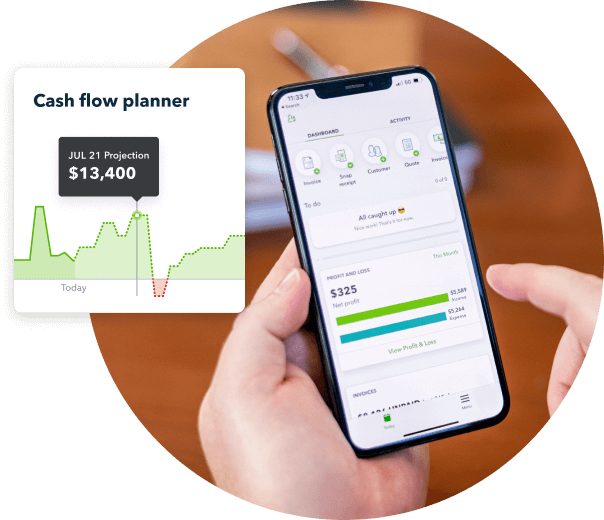
Xero offers cash-flow forecasts, KPI dashboards, and, on Premium, 180-day cash-flow forecasting, KPI and ratio reporting, and industry benchmarks. QuickBooks provides reporting, GST views, cash-flow views, and broader operational visibility through inventory, projects, and time tracking. The more important question is whether someone will review the reports regularly and turn them into decisions.
Security & Compliance
Xero supports Singapore-oriented capabilities including GST, InvoiceNow, and IRAS-related workflows. QuickBooks supports GST tracking and GST reporting. Software features should not be confused with full compliance delivery: Singapore SMEs may still need support for corporate tax, ECI, UFS, XBRL, CPF, payroll, GST submissions, annual reports, and ACRA requirements. Businesses evaluating a provider should confirm scope and responsibilities for Singapore GST compliance before signing.
Support & Documentation
Xero benefits from an accountant partner ecosystem and established product documentation, while QuickBooks offers an Intuit ecosystem and connected business tools. User feedback for Xero commonly praises usability, bank feeds, reconciliation, and accountant collaboration. QuickBooks feedback commonly praises expense capture and bank reconciliation, while some users describe navigation as less intuitive than expected. If your priority is a single accountable team rather than software documentation alone, compare the service scope of managed accounting services.